
Order Management
Goods are stocked in a European warehouse before orders arrive. Each order is picked, packed and handed over to a local delivery service. Fulfilment starts from a single item and connects multiple selling channels.
Speak with sales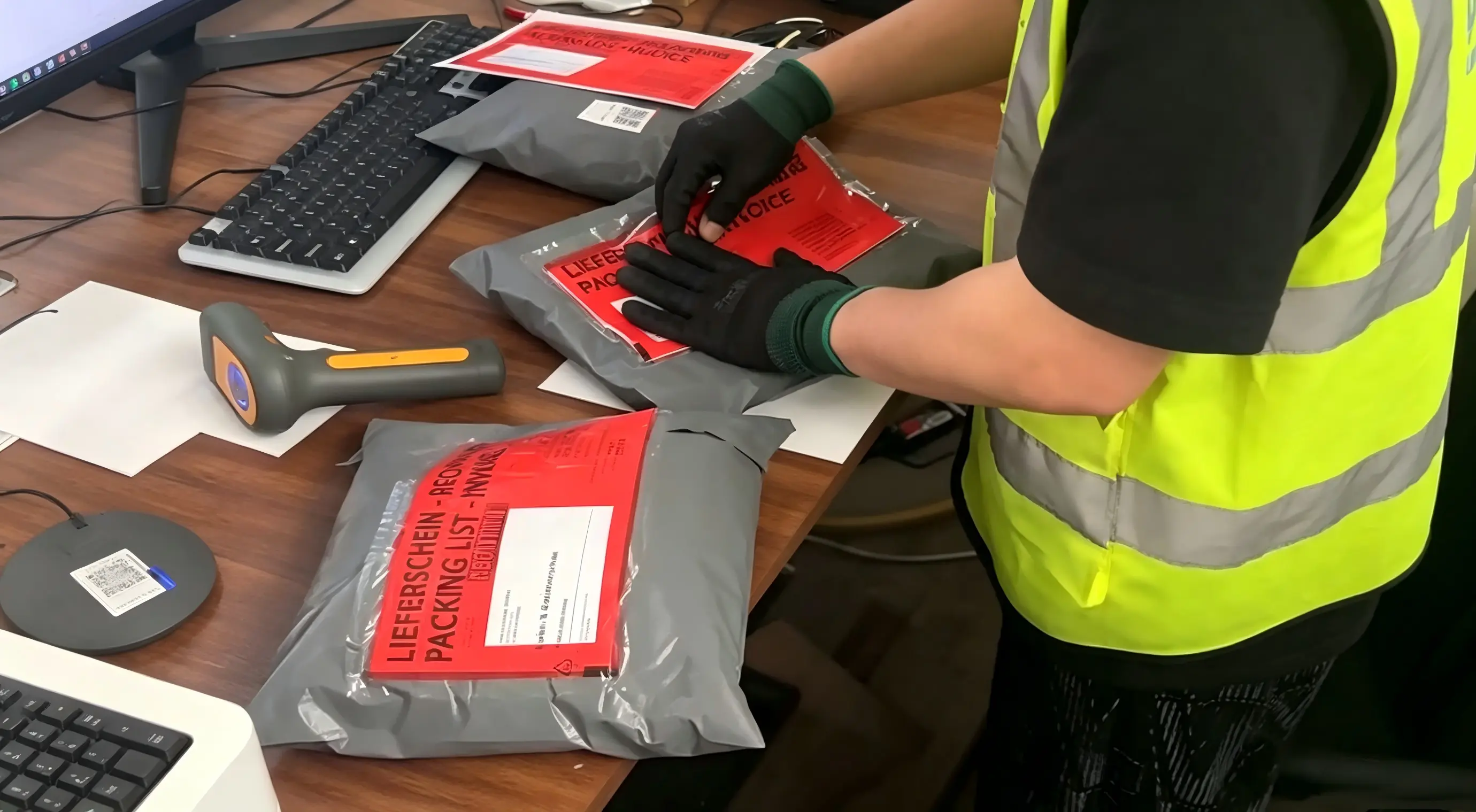
Connect selling channels with your warehouse
Marketplaces and owned stores: coordinate inventory, orders, dispatch and returns for each channel.
Explore our sales platform overview →
Choose your channel for preparation, launch checks and official references. Availability and connection are confirmed for your project.
OTTO
Fulfil orders from German stock and arrange return inspections. Hagen offers OTTO return inspection and redispatch after approval.
Learn moreMARKETPLACEABOUT YOU
Plan shipping and returns together: receipt, inspection and further handling against agreed criteria. ABOUT YOU return inspection is part of the Hagen service offering.
Learn moreMARKETPLACEAmazon
Plan FBM orders separately from FBA replenishment. Agree local inventory, labels and returns before launch.
Learn moreMARKETPLACEeBay
Fulfil orders from European stock and match shipment updates to your eBay orders.
Learn moreMARKETPLACETikTok Shop
Plan campaign peaks alongside daily orders. Confirm the shipping mode and labels in the relevant market’s Seller Center.
Learn moreMARKETPLACETEMU
Discuss warehouse workflows for your TEMU business around your actual seller model and destination markets.
Learn moreMARKETPLACESHEIN
Prepare local stock, product variants and returns for your SHEIN Marketplace business.
Learn moreOWNED STOREShopify
Align store orders, inventory locations and shipment updates in one agreed fulfilment workflow.
Learn moreOWNED STOREWooCommerce
Coordinate your WordPress store and warehouse through agreed order data, inventory references and shipping updates.
Learn moreOne workflow for shipping, returns and resale
01 · Agree channel & data
Confirm SKU mapping, order data, stock and status updates. Validate the connection method and a test order before launch.
02 · Store & ship locally
Receive stock, pick and pack orders, then hand parcels to DHL, DPD or the agreed carrier.
03 · Inspect the return
Receive the parcel, match it to the order and assess condition and completeness against the agreed inspection plan.
04 · Approve the next step
Restock, redispatch or arrange functional testing and repair for eligible electronics; disposal requires approval.
Service scope, connection method and channel requirements are confirmed before launch. Warehouse services do not replace platform seller approval; delivery times depend on destination and shipping service.
For your enquiry: platform, product types, SKU count, monthly orders and returns, destination countries and required inspection or repair steps.
Discuss your platform operationsFrom the first conversation to the first dispatch
A shared launch plan makes responsibilities and approvals clear. Scope, timing and connectivity are agreed for your project.
- 01
Define the scope
Provide target markets, SKU count, dimensions, order volumes and return rates to establish storage and service requirements.
- 02
Prepare the handover
Agree product records, barcodes, inbound lists and order transfer. Document packing, shipping and exception rules.
- 03
Check a test order
Reconcile received stock. Review an agreed test order from handover through packing and shipping information.
- 04
Review ongoing operations
Agree contacts, inventory reconciliation, replenishment and return decisions. Discuss peak periods and exceptions in advance.
Practical fulfilment guides
What we plan together
Coordinate order workflows with stock and shipping. Before promotions, share expected daily volumes, product mix and priorities, and confirm available processing capacity.
How the process works
- 1
Agree data source and fields
- 2
Validate and assign orders
- 3
Track changes and updates
Related services
A decision in the workflow
Example: one order is split into two shipments. Check the items and quantities in each shipment and the remaining open quantity on the order.
Prepare for this step →Keep orders, shipments and parcels separate
One order can contain several items, partial shipments and parcels. Link every item quantity to the original order reference and each parcel to its tracking number. A created shipping label does not confirm handover. Check open quantities separately from parcels already handed over, so one scan does not accidentally make the whole order appear complete. Agree which events your sales channel needs for its status display.
Review changes before applying them
Provide a unique order reference, SKUs, quantities, delivery address and packing requirements. For a duplicate transmission, use the reference to begin the review and agree handling with the system owner. A change or cancellation after picking starts requires checking work already completed. Record the requested action, affected quantities and approval rather than sending a replacement order that could unintentionally trigger another delivery.
Keep open quantities visible
Before closing an order, reconcile ordered quantities against shipped, cancelled and still-open quantities. Keep the associated items and shipping references for each parcel. Refer missing scans or unresolved remaining quantities to the agreed owner rather than recording them as successful delivery.
Prepare for your quote
These details help us discuss the right warehouse, workflow and shipping requirements.
Speak with sales- Products, SKUs, dimensions and weight
- Monthly volumes and seasonal peaks
- Destination countries and delivery targets
- Store, ERP and required updates
- Packaging, labelling and special handling
- Return volumes and handling requirements
What information makes an order complete?
A unique order reference, SKUs, quantities, recipient details and packing instructions. For partial shipments, keep each quantity linked to the original order.
Can one order have several shipments?
Yes. Items and quantities need a clear link to each partial shipment; cancellations and changes are reviewed against work already completed.